Blog

Ubuntu Budgie and Ubuntu Mate 24.10 VM Images for VirtualBox and VMware

Ubuntu Budgie project announced the latest version of Ubuntu Budgie codenamed 24.10 Oracular Oriole: "The latest budgie-desktop v10.9.2 forms the basis of our Oracular offering. Budgie Menu: The upstream budgie menu will now show applications which report as being Terminal-based (e.g. Terminal=true in their desktop file). Users of applications like Neovim rejoice! The key focus for the team for this...

Kubuntu and Lubuntu 24.10 VM Images for VirtualBox and VMware

Kubuntu project announced the latest version of Kubuntu codenamed 24.10 Oracular Oriole: "The Kubuntu Team is happy to announce that Kubuntu 24.10 has been released, featuring the new and beautiful KDE Plasma 6.1 simple by default, powerful when needed. Under the hood, there have been updates to many core packages, including a new 6.11 based kernel, KDE Frameworks 5.116 and...

Ubuntu 24.10 and Ubuntu Server 24.10 Images for VirtualBox and VMware

Ubuntu team announced the new version of Ubuntu 24.10 Oracular Oriole and Ubuntu Server 24.10 Oracular Oriole: "Ubuntu 24.10 features the latest Linux 6.11 kernel for improved performance and hardware support, marking a shift to a more aggressive kernel version selection policy going forward. Building on our previous LTS efforts around performance engineering, Ubuntu 24.10 now includes kdump-tools on relevant...

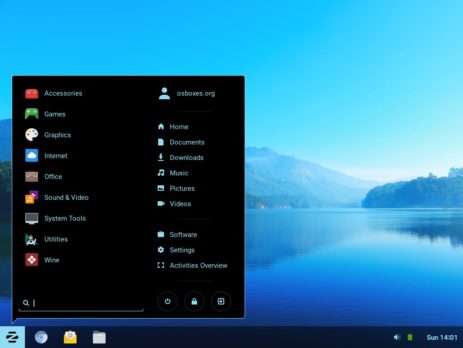
Zorin OS 17.2 Core Images Available for VirtualBox and VMware

Zorin project released the latest version of their operating system "Zorin OS 17.2 Core" based on Ubuntu: "It’s packed with enhancements that make the desktop experience even better, and under-the-hood improvements that make your computer faster, more robust, and secure. Zorin Appearance: Making the desktop more customisable than ever before: We’ve made additions and improvements to Zorin Appearance which help...

Pop!_OS 22.04 and 24.04 VM Images Available For VirtualBox and VMware

Pop!_OS project announced the latest of their operating system 'Pop!_OS 22.04': "You can now set one Dark Mode background and one Light Mode background from the Background panel in the Desktop settings. Search for Desktop, Background, Appearance, Dock, and Workspaces directly from the Launcher for the fastest way to navigate those settings options. The System76 Scheduler optimizes performance by directing...

  • Donate This Project

    You can keep this project alive by donation or disable your “Adblocker” for this website. Thank You!